Control & identification
Issues around terminal operation, user or asset identification, prompts, display behaviour and supported control functions.
FT4000 / controlFueltek support & maintenance
Support should start with the real site, the real equipment and a clear description of what has changed.
Fueltek can help investigate supported terminals, dispensers, tank monitoring, software, reporting and site communications, then identify the appropriate next step for the issue.
What support can cover
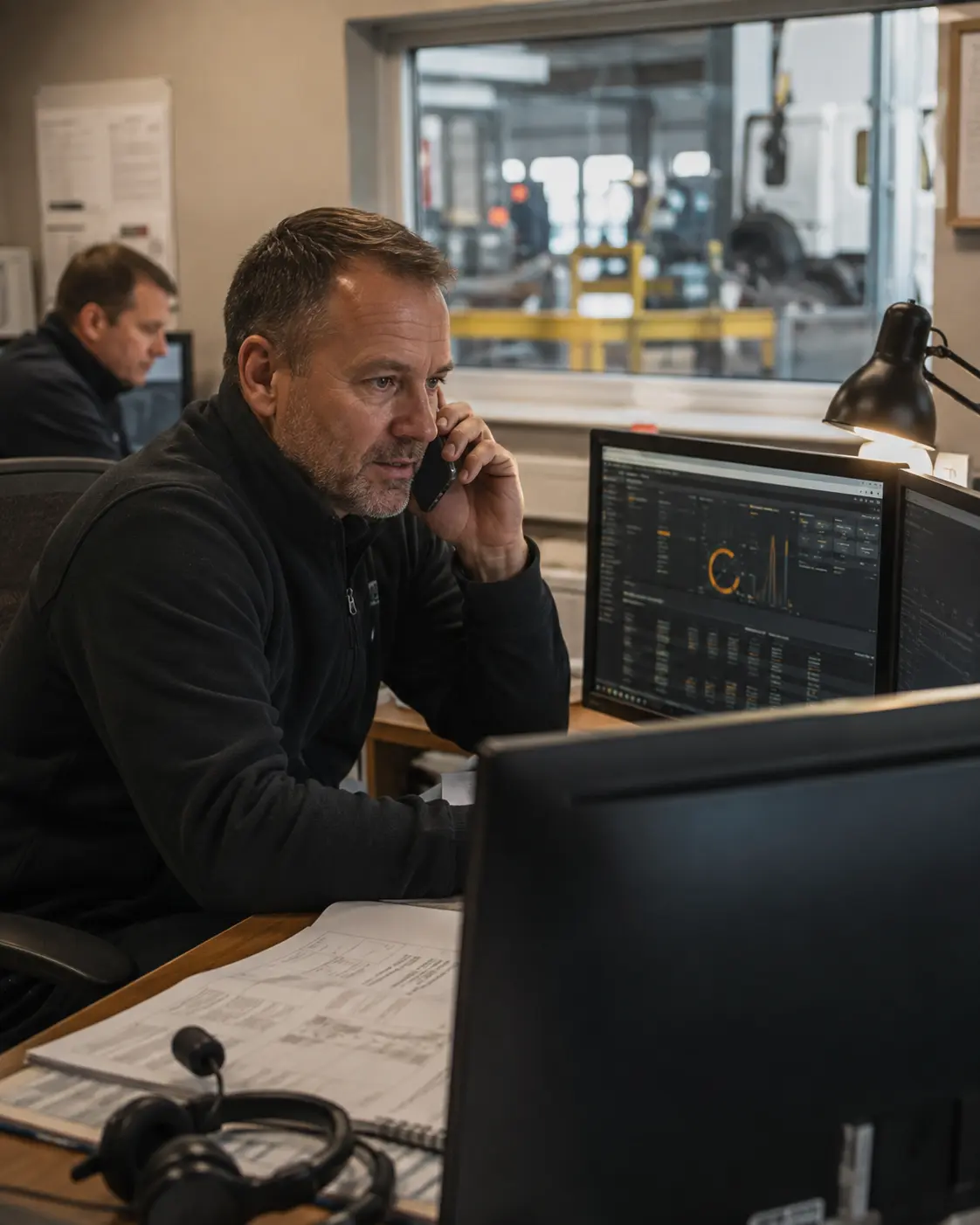
Fuel issues are not always caused by the same part of the system. A useful support route separates the physical equipment, software and communications before deciding what needs attention.
Issues around terminal operation, user or asset identification, prompts, display behaviour and supported control functions.
FT4000 / controlHelp narrowing down supported dispensing, pump-control, metering and transaction-related symptoms.
Dispense pathChecks around supported tank monitoring, readings, data availability and whether information is reaching the reporting system as expected.
TankwatchAssistance with supported accounts, configuration, transaction records, reporting and administration questions.
FMO / reportingInvestigate the supported communications path and whether a fault may also involve the site network, SIM or communications provider.
Network / SIMPlan inspection and maintenance around equipment condition, wear, damage and the operating environment at the site.
Preventative careA clearer support route
The fastest route is not to guess the fault. Start with what the site can see, what changed and how the issue affects operations.
Give the site, equipment, exact symptom, error message if present, when it started and whether it is constant or intermittent.
Explain whether the site can still dispense, whether reporting is delayed, whether one user or all users are affected, and what work is being disrupted.
Support can use the symptoms and available evidence to narrow down which part of the supported system needs checking next.
The next step depends on the equipment, fault, site condition and what can be checked safely within the agreed support scope.
Before contacting support
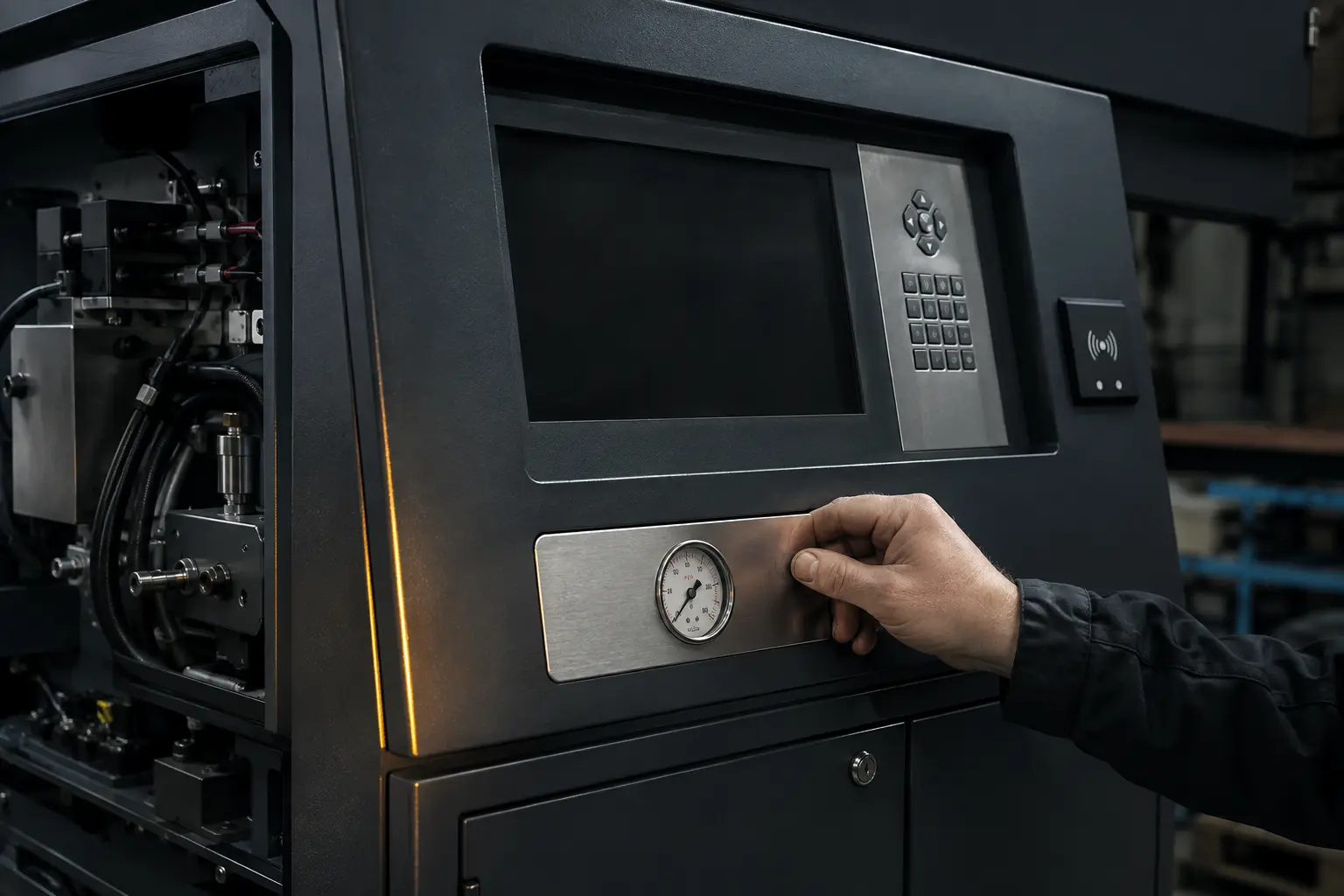
A short, accurate site pack can reduce unnecessary back-and-forth and helps support understand the fault in the right context.
Prefer to call? 01254 291391
Support email: support@fueltek.co.uk
Describe the symptom clearly
These are useful ways to describe the issue. They are not instructions to bypass site controls or carry out unsafe work.
Tell support whether the equipment appears powered, what the screen shows and whether the issue affects one unit or more than one.
Give the site, approximate transaction time and whether the issue appears to affect reporting, communications or all transactions.
Explain whether the problem affects one identity or many and whether anything changed in the configuration beforehand.
State which tank is affected, when the reading last appeared normal and whether the communications path is otherwise operating.
Describe whether the loss is permanent or intermittent and whether there were recent network, SIM, router or site changes.
Follow the site’s safety procedures, isolate unsafe equipment where required and do not bypass electrical, fuel-safety or environmental controls.
Planned maintenance
Equipment can appear operational while wear, contamination, damage or environmental conditions are developing in the background. Planned inspection creates a better opportunity to identify issues before they become an operational interruption.
Maintenance scope depends on the equipment installed and the site. Fueltek can review the system and determine the appropriate maintenance approach.
Safety comes before diagnosis
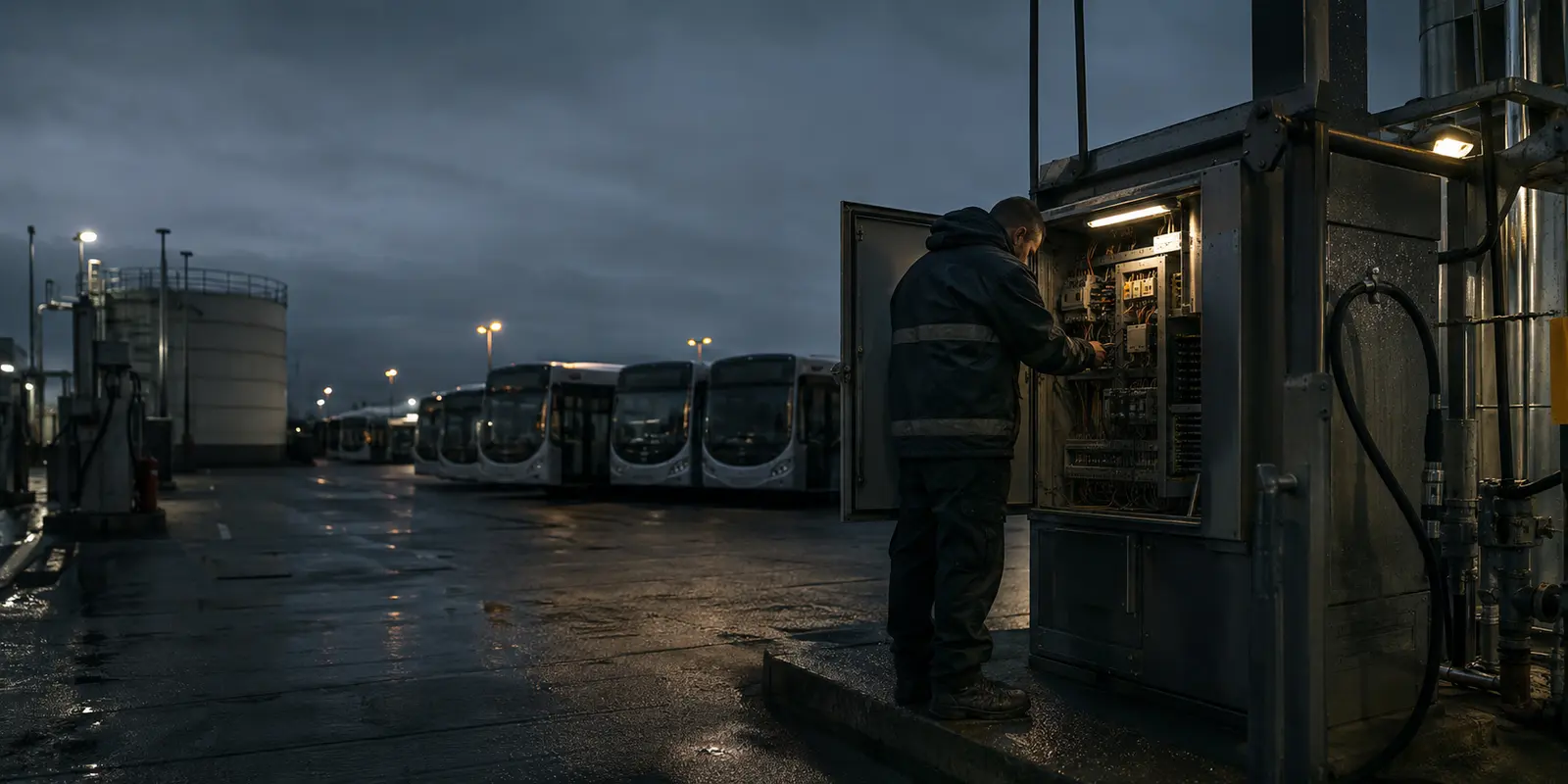
Do not bypass electrical, fuel-safety or environmental controls to keep equipment operating. Isolate unsafe equipment where required and follow the site’s own procedures before further fault-finding.
Helpful answers
Clear answers to the information customers most often need before contacting support or planning maintenance.
Provide the site name, equipment or product, serial or asset details where available, a clear description of the issue, when it began, any error messages and the operational impact.
Fueltek can help investigate supported system communications, although resolution may also require the site network, SIM or communications provider depending on the cause.
Planned inspection and maintenance can identify wear, damage, contamination, meter or hose issues and environmental risks before they become operational failures.
Tell support whether the issue affects one identity or multiple users and provide the relevant identifier where appropriate. That distinction helps narrow down whether the issue is local to a record or wider in the system.
For an existing Fueltek system support or maintenance issue, email support@fueltek.co.uk or call 01254 291391. For product information, new systems or sales enquiries, use the normal sales and general contact routes instead.
Include that change in the support request. Recent router, network, SIM, power or site changes can be useful context when investigating communications or reporting symptoms.
Ready for the next step?
Bring the product, symptoms, timing and operational impact. Fueltek can then help identify the appropriate support or maintenance route.